


Slim Wallet With ID Window: A Practical Buying Guide
Some wallet features sound useful until you actually need them. An ID window is the opposite: if you reach for your driver's license, work badge, or another frequently used card, the right window can make your everyday carry easier. But a window that looks convenient in a product photo can still be awkward if the card is difficult to remove, the opening hides important details, or the wallet becomes bulky when loaded.
If you're shopping for a slim wallet with an ID window, don't choose by the window alone. Start with how often you use your ID, how easily you need to remove it, and how many other cards you carry. This guide gives you a practical way to make that decision—without guessing from marketing photos.
First: Do You Actually Need an ID Window?
An ID window has one job: keep a particular card separate and reasonably easy to see or reach. That matters most when you handle the same ID repeatedly, rather than leaving it untouched in your wallet for weeks.
- An ID window may be useful if you often show a license, identify your card at a glance, or want a dedicated place for an employee badge or similar card.
- A regular card slot may be enough if your ID stays put most days and you prioritize the thinnest possible wallet.
- An easy-removal opening is more important than visibility when someone needs to inspect or scan the physical card outside the wallet.
One important distinction: visible does not always mean usable without removal. Retailers, security staff, and other organizations may still need the actual card in hand. A good ID-window wallet should help you find the card quickly and remove it when needed.

The 60-Second ID-Window Fit Check
Before buying, use this five-step check while looking at a product's photos, specifications, and demonstration video. If you can try the wallet in person, perform the same steps with your own cards. This is a buyer's checklist—not a claim that every wallet has been independently tested.
- Identify your most-used ID. Decide whether the window is for a driver's license, workplace ID, or another card. Check that your specific card's dimensions match the slot.
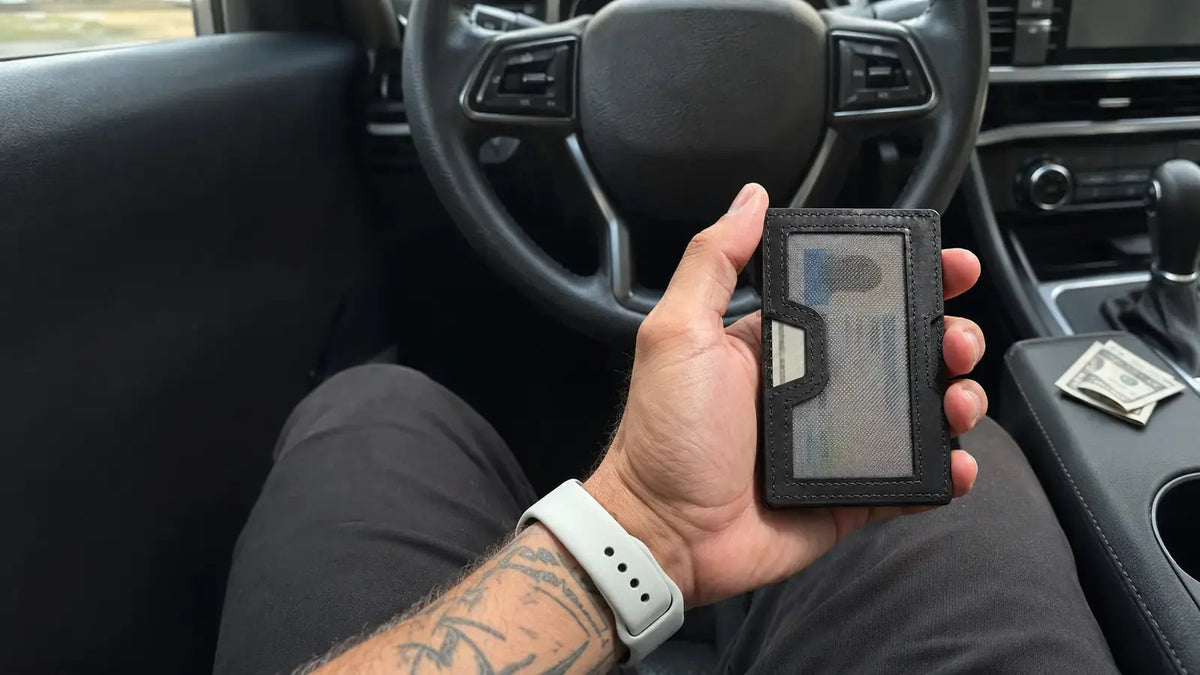
- Look at the window opening. Can you see the information you normally need? Does a stitched border, mesh panel, or frame cover too much of the card?
- Find the removal point. Look for a thumb notch, cutout, or access edge. A clear window is less useful if you struggle to take the card out.
- Picture the wallet fully loaded. A slot may feel accessible when the wallet is empty but tighter when several cards and bills are packed around it.
- Check what stays exposed. If the window faces outward, think about whether you want your name, photo, or other details visible whenever the wallet is open or handled.
The buying rule: if the product photos don't show how the ID comes out, look for a demonstration or ask the seller before ordering.

Three Details That Matter More Than the Word “Slim”
1. A dedicated ID slot shouldn't make your everyday cards harder to reach
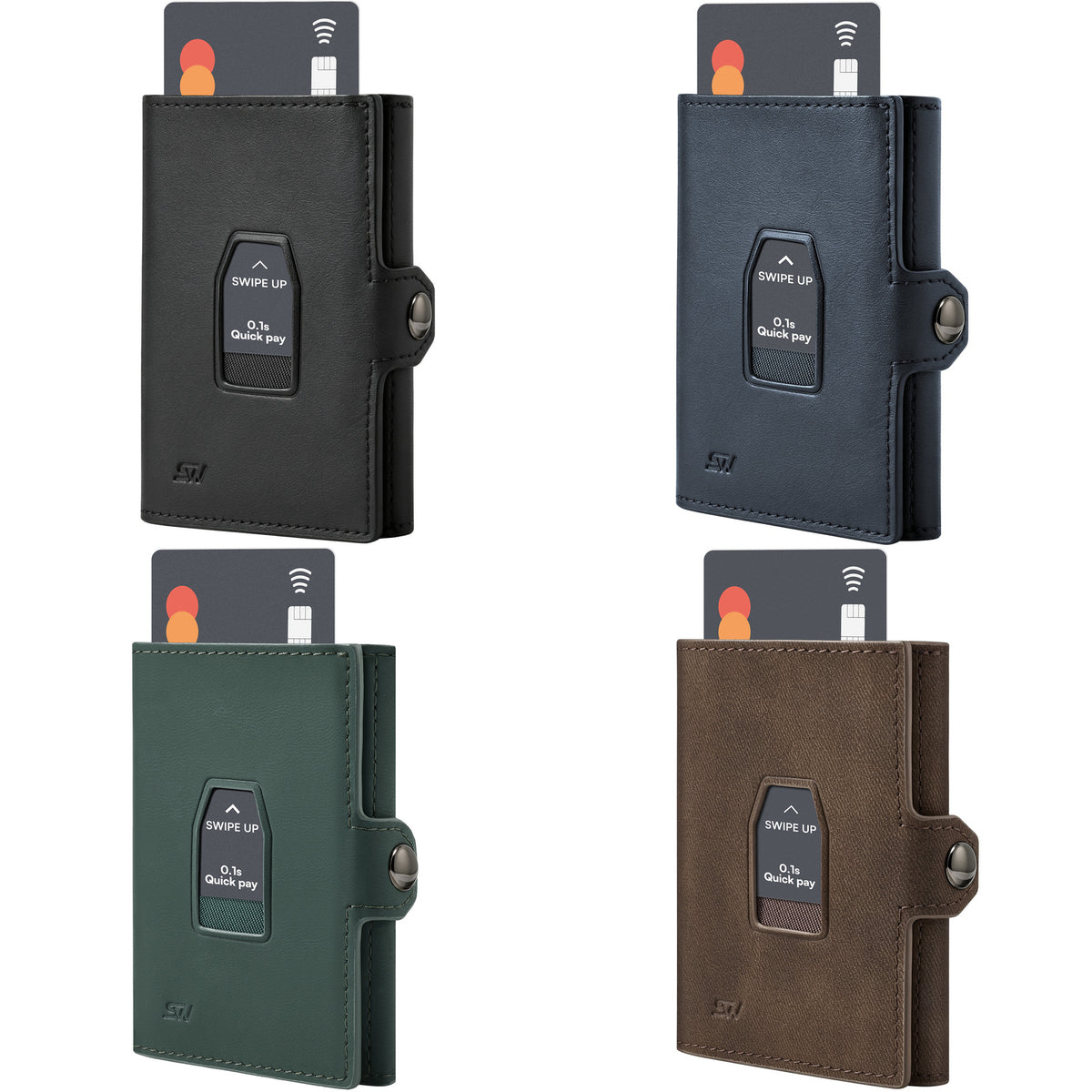
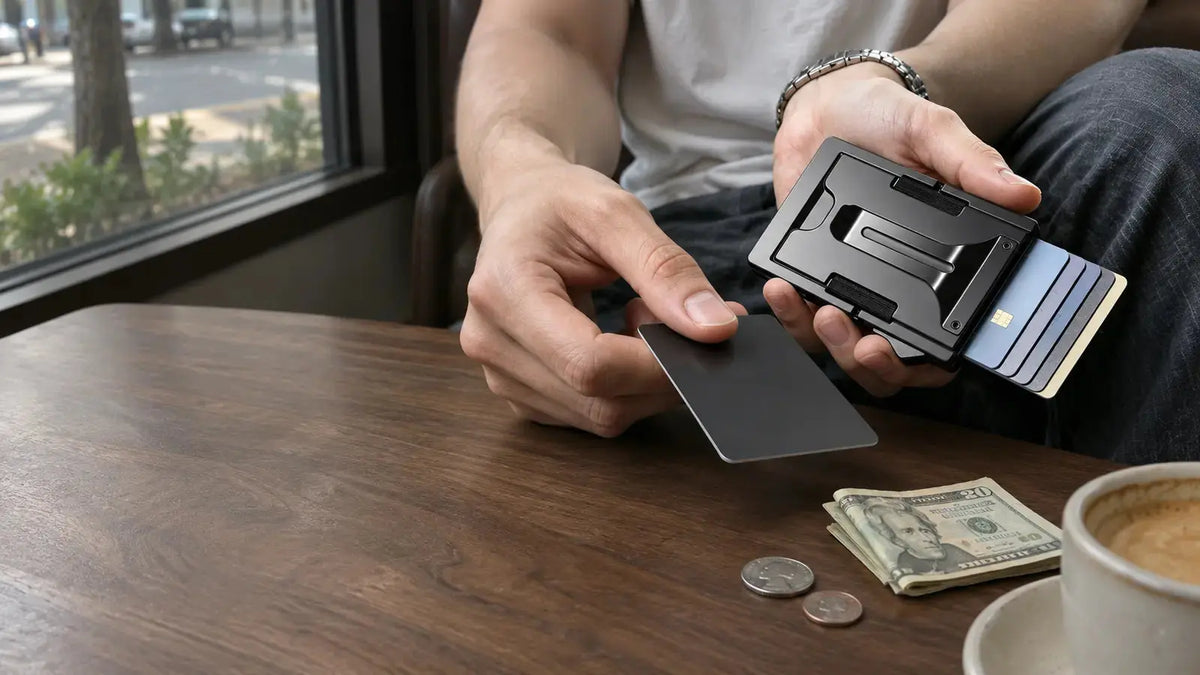
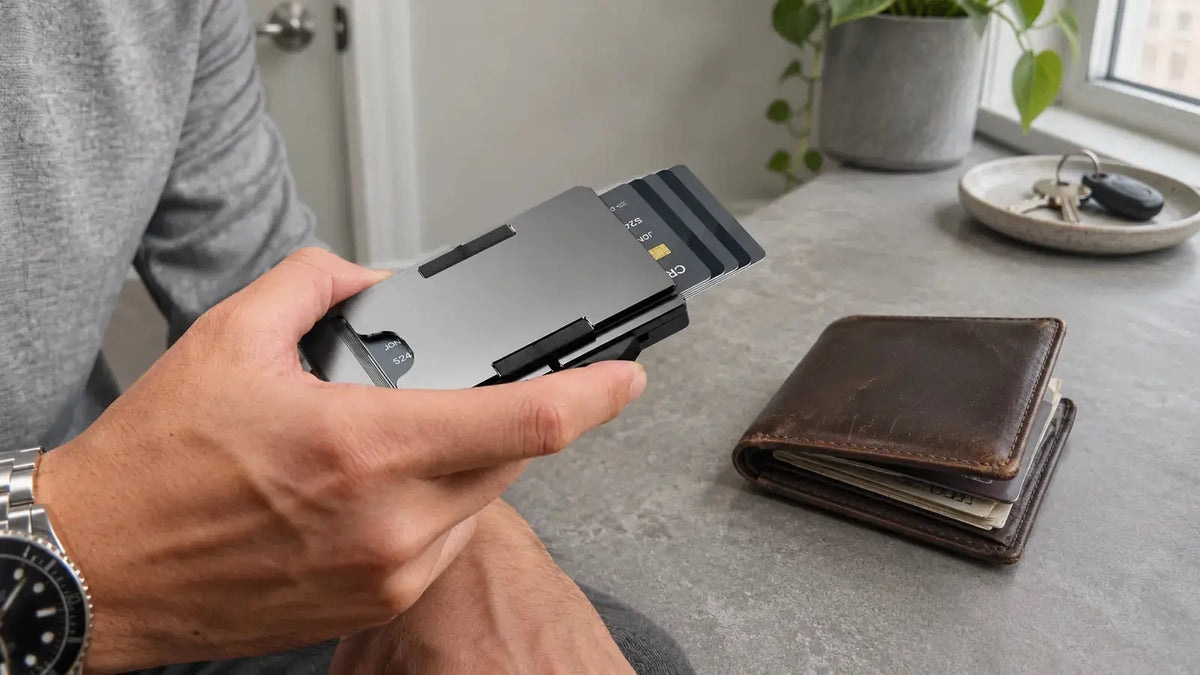
Your payment cards and your ID serve different purposes. Some wallets keep payment cards in a pop-up or fan-out compartment while giving your ID its own visible slot. That separation can help you avoid sorting through your payment cards every time someone asks for identification.
Ask whether the ID slot is independent of the main card stack. If it shares space with frequently used cards, consider whether extracting one will shift or disturb the others.
2. The window shape matters—not just whether it is transparent
A transparent panel, dark mesh, and open-frame cutout can each feel different in daily use. Visibility changes with lighting, the frame's coverage, the card's design, and the angle at which you hold the wallet. You shouldn't assume an ID will scan through a window simply because it is visible.
Look for a product image that shows a standard-size card in the actual opening—not just an empty slot. If you frequently need to present a barcode, check whether the opening would cover it and plan to remove the card when required.
3. Real pocket fit depends on what you carry inside
Published dimensions can describe an unloaded wallet or a particular configuration. Extra cards, folded cash, coins, and accessories may change the feel in your pocket. A wallet with a separate ID window can still be slim enough for your routine, but the result depends on the entire loadout.
To compare products fairly, make a list of your real carry: for example, one ID, five payment or access cards, and a few bills. Compare that list with the manufacturer's stated compartments instead of relying on a single “up to” capacity claim.

Choose the Layout for Your Routine
Rather than ranking every wallet from first to last, match the layout to what you actually do each day.
If you mostly carry an ID and a small set of cards
Prioritize a clear separation between your ID slot and your everyday cards. A compact SLIMWALT Fan-Out Wallet is one example of this approach: its published specifications list a six-card fan-out compartment, one ID-window slot, and a money clip. It can suit someone who likes selecting a card from a fanned stack while storing their ID separately.
Remember that fan-out access and an ID window solve different problems. Make sure the ID-removal opening works for you instead of assuming the fan-out mechanism also ejects the ID.

If you carry an ID, cards, and a little cash
Think about where cash goes after you add your everyday cards. The SLIMWALT Slim Wallet lists a six-card pop-up case, a dedicated ID window, and a Lycra pocket for bills or other small essentials. This type of layout keeps ID, payment cards, and cash in separate areas.
The trade-off is simple: a flexible pocket can be practical, but stuffing it with coins and extra items may reduce the slim feel you wanted in the first place.
If you carry substantially more cards
Your question may not be “Will this wallet hold my ID?” but “Can I keep the ID accessible without giving up the rest of my cards?” The SLIMWALT Magic Space Pro 2.0 lists a six-card pop-up chamber, an expandable section for up to 15 additional cards, an ID window, and an integrated money clip.
That is a different carry strategy from a minimalist six-card holder. It is designed to give card-heavy users more dedicated storage, but you should expect more contents to affect overall pocket feel. The stated compartment limits are product specifications, not independent measurements of loaded thickness.

When an ID-Window Wallet May Be the Wrong Choice
A dedicated window is not an automatic upgrade. You may prefer a simpler design if any of these situations describes your routine:
- You rarely show your ID and want to minimize extra layers or panels.
- You prefer that your personal information never face outward.
- You regularly need to remove the card for scanning or inspection, but the wallet's slot has no obvious removal point.
- You need a wallet primarily for coins, folded receipts, or bulky items rather than cards.
- The seller cannot show the fit of a standard-size ID or clarify which exact product variant includes the window.
There is no reason to pay for a feature that doesn't fit your daily habits. And if the ID window is the reason you're buying, make sure it is shown clearly in the selected variant's photos—not only in a different model's marketing image.
A Better Way to Decide: Start With Your ID, Then Your Cards
Use this quick decision path before you add a wallet to your cart:
- Need to show or identify an ID often? Put a dedicated, easy-to-access ID window near the top of your criteria.
- Need to remove it often? Prioritize the opening and thumb access over window visibility alone.
- Carry around six everyday cards? Consider a compact fan-out or pop-up layout with a separate ID slot.
- Carry cash, too? Check the money pocket or clip and how the wallet sits with those items added.
- Carry many more cards? Look for expandable storage, then weigh its capacity against the added bulk.
You don't need the wallet with the most features. You need the one that makes your most repeated action easier without making everything else less convenient.
Explore a layout that fits: Fan-Out Wallet for compact card access, Slim Wallet for cards and a cash pocket, or Magic Space Pro 2.0 for higher card capacity. Always confirm the selected color and variant details on the product page.
Looking for more guidance on card access and storage styles? Read our guide to choosing a pop-up wallet.

Ecrit par SLIMWALT


Laisser un commentaire
Ce site est protégé par hCaptcha, et la Politique de confidentialité et les Conditions de service de hCaptcha s’appliquent.