


How to Carry Multiple Cards Without a Bulky Wallet
When a wallet starts to feel bulky, the cards are only part of the problem. Individual card slots, folded leather, receipts, old membership cards, and cash can add layers around the card stack. The result is often a wallet that feels larger than the items you actually need to carry.
The goal is not necessarily to carry as little as possible. It is to give frequently used cards fast access, store occasional-use cards efficiently, and remove the layers that do not help you. Here is a practical way to carry multiple cards while keeping pocket bulk under control.
1. Find Out What Is Creating the Bulk

Empty your wallet before comparing replacements. Put everything on a table and separate the contents themselves from the wallet's construction.
Common sources of extra bulk include:
- Multiple stitched card slots, each with its own layer of material
- Cards stored two or three deep in several different pockets
- Folded receipts, business cards, and paper notes
- More cash than you normally use between wallet cleanouts
- Expired cards or membership cards kept out of habit
- Coin pockets, trackers, keys, or other thick accessories
A new wallet cannot make a stack of physical cards disappear. What it can do is use fewer layers around that stack and organize the contents more efficiently. This distinction matters when a wallet is advertised as both high capacity and slim.
2. Sort Cards by How Often You Use Them

Instead of treating every card equally, divide them into three groups:
- Frequent-use cards: payment cards, transit cards, access cards, or identification you reach for regularly.
- Occasional-use cards: backup payment cards, insurance cards, membership cards, and other items you still need but rarely remove.
- Cards that do not need to stay: expired cards, duplicates, and items available through an accepted digital alternative.
Only remove or digitize an identification, access card, or insurance card when the relevant issuer and local rules allow it.
This sorting step usually reveals that quick access is important for only part of the total card count. A wallet can therefore use one area for frequent-use cards and another for the rest, rather than giving every card a separate quick-access slot.
3. Organize the Wallet by Access Frequency

Put the cards you use most in the easiest-to-reach section. Store backup and occasional-use cards in a secondary compartment.
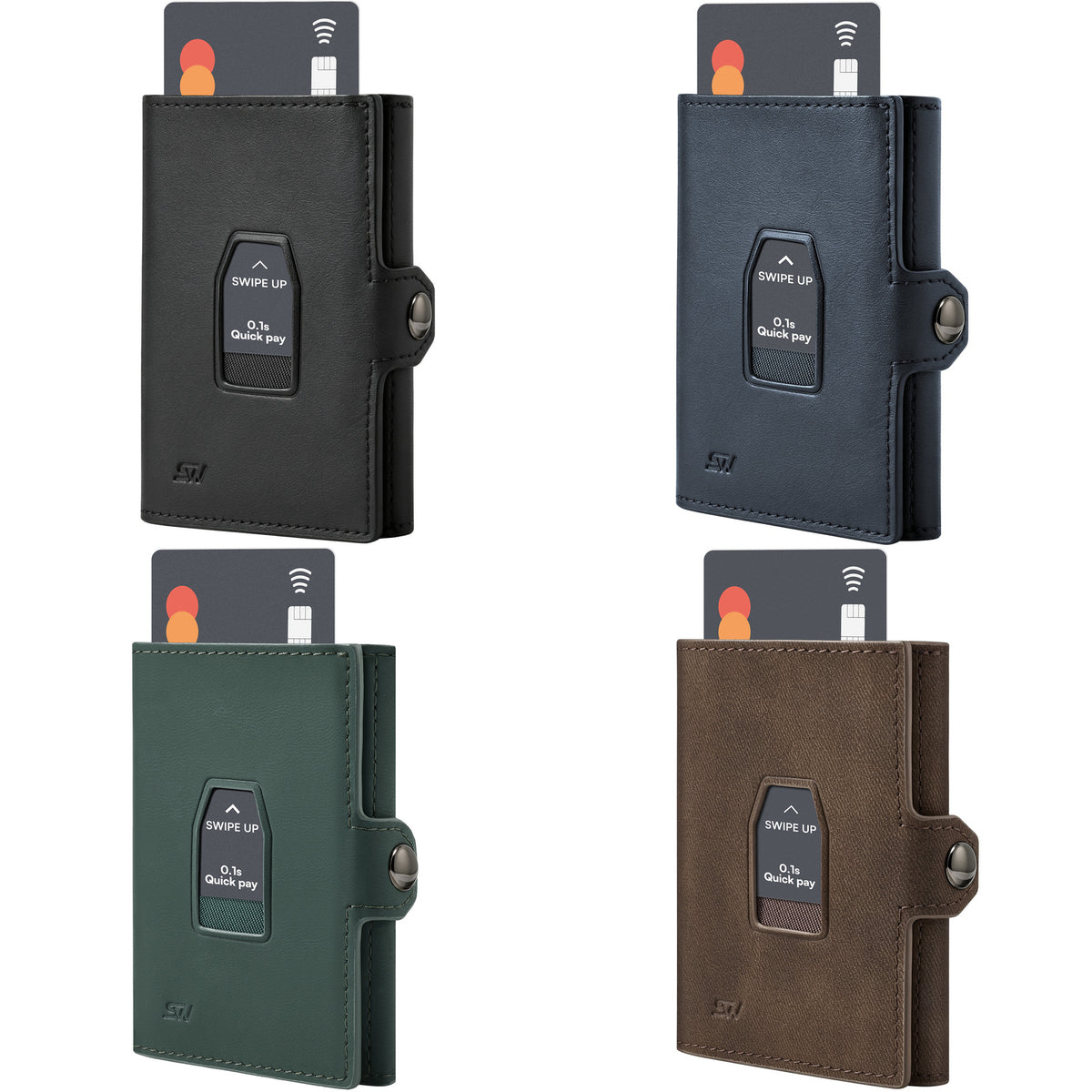
For a pop-up wallet, that may mean placing frequently used cards in the pop-up chamber and additional cards in exterior or expandable storage. The exact number depends on the model, the cards' thickness, and the manufacturer's instructions.
The benefit is organizational: you avoid searching through the full stack every time you pay. It does not mean every card will rise from the mechanism or that a fully loaded wallet will remain as thin as an empty one.
If you are still comparing layouts, read our guide on how to choose a pop-up wallet before deciding which access system fits your routine.
4. Choose a Layout That Uses Space Efficiently
Different wallet layouts create different tradeoffs between access, capacity, and thickness.
| Wallet layout | How it stores cards | What to check |
|---|---|---|
| Individual card slots | Separates cards into dedicated pockets | Convenient organization, but each slot and divider can add material. |
| Stacked card chamber | Holds several cards together in one rigid compartment | Uses fewer dividers; check access method and chamber capacity. |
| Quick-access chamber plus extra storage | Separates frequently used cards from a larger secondary group | Check which cards move with the mechanism and how the extra cards are removed. |
| Traditional bifold | Spreads cards and cash across folding sections | Familiar layout; check its thickness with the same contents you carry now. |
A wallet with lots of card slots is not automatically the most space-efficient option. Compare the amount of material around the cards as well as the advertised card count.
5. Account for Card Thickness

Ten cards do not always occupy the same amount of space. Flat payment cards, embossed cards, paper membership cards, and tracker cards can have different thicknesses.
Rigid chambers are particularly sensitive to the combination you load. A stated capacity may assume standard flat cards. Follow the limit for the specific compartment and do not force in an extra card if the mechanism becomes difficult to operate.
If you use a tracker card, count its thickness as part of the load. The same applies to folded paper, a key, or anything placed inside expandable storage. These items may fit, but they still change the wallet's shape and pocket feel.
6. Give Cash and Receipts a Clear Limit
Cash and paper can expand a wallet gradually because there is no obvious stopping point. Decide how many folded bills you normally need and remove receipts on a regular schedule.
When choosing a cash setup, check:
- How the bills must be folded
- Whether cash shares space with additional cards
- How easily one bill can be removed
- How the money clip, strap, or pocket changes the loaded thickness
If you rarely use cash, carrying a large reserve every day may create bulk without adding much value. If cash is part of your routine, choose a wallet designed around your usual amount instead of relying on an overfilled card compartment.
7. Compare Wallets With the Same Real Load
Empty product measurements are useful, but they do not answer the most important question: how will the wallet feel with your cards and cash inside?
Use the same contents when comparing your current wallet with a new one. Then examine:
- Overall thickness at the fullest point
- Width and height in your preferred pocket
- Weight with cards, cash, and attachments included
- Whether expandable sections remain orderly
- How easily you can remove and return a card
Do not compare an overloaded old wallet with a nearly empty new one. That measures a change in contents rather than a change in wallet design.
8. A High-Capacity Layout for Frequent and Occasional Cards

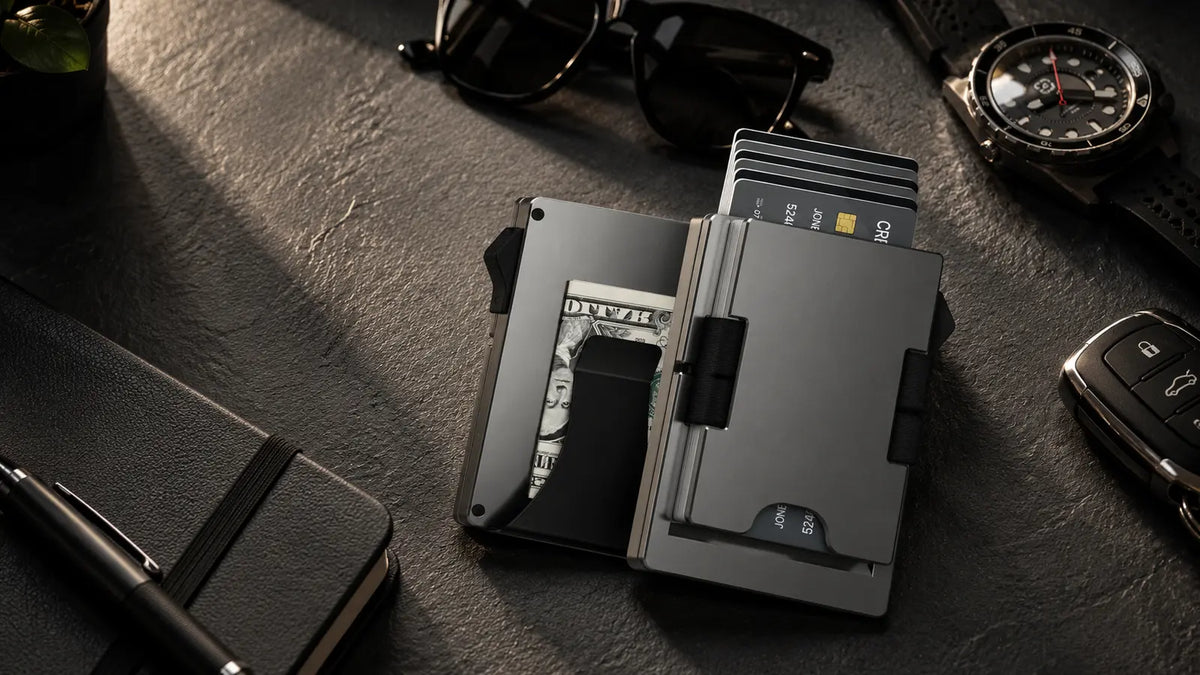
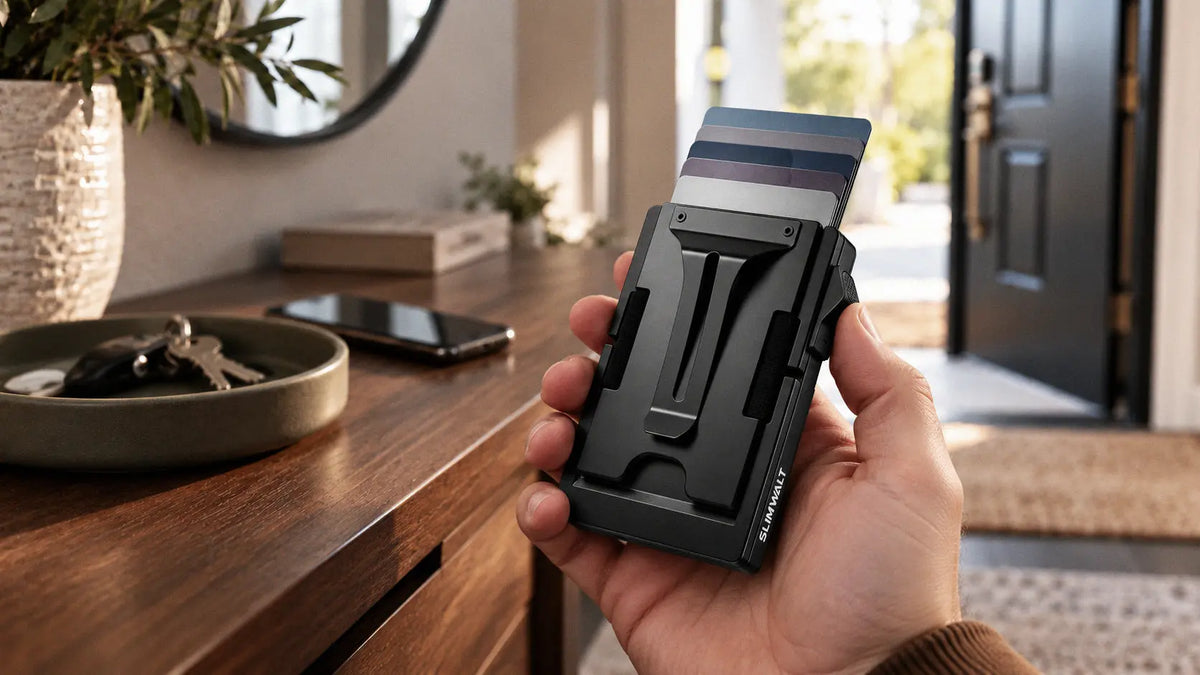
The SLIMWALT MAGIC SPACE PRO uses two card-storage areas: a pop-up chamber for up to six cards and a separate Magic Space section for up to fifteen additional cards. SLIMWALT lists the wallet's total capacity as 20+ cards.
This layout lets you place frequently used cards in the pop-up chamber and keep less frequently used cards in the expandable section. The additional cards do not pop up with the main stack, and adding more cards will increase the loaded thickness.
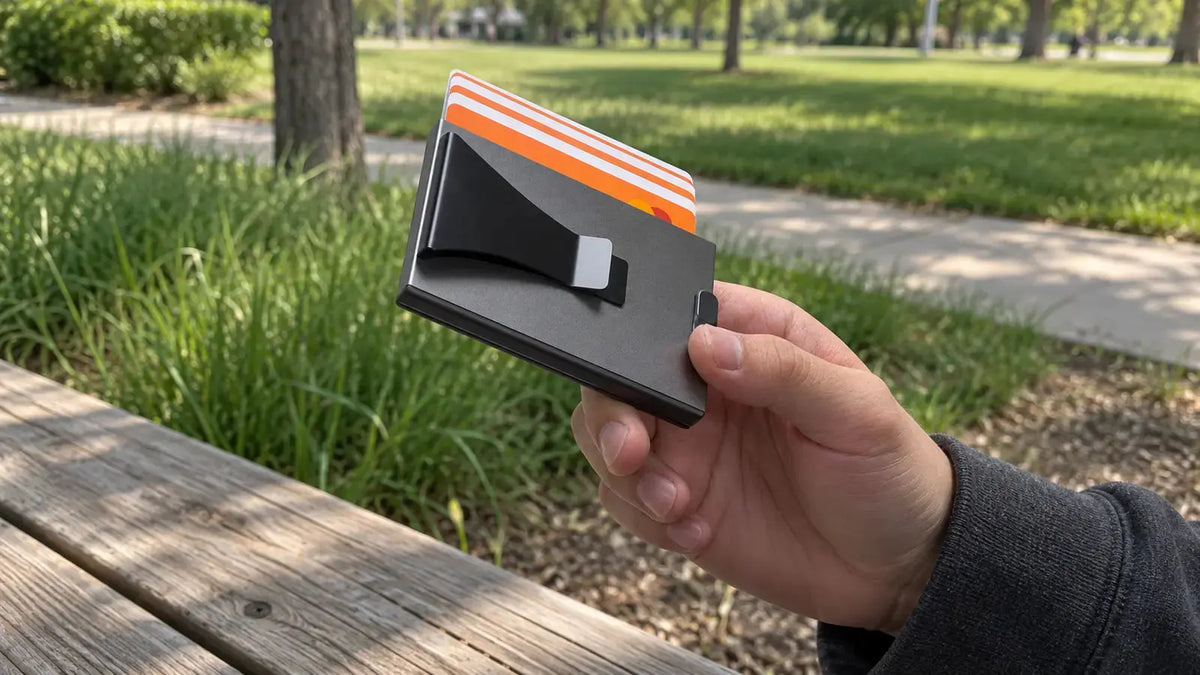
MAGIC SPACE PRO is built from aluminum and includes a money clip. Its published size is 10 × 6.5 × 1.2 cm, with a listed empty weight of 113.5 g. Compare those figures and the fully loaded arrangement with your own pocket preference; high capacity and the lightest possible carry are different priorities.
If your main problem is carrying many cards in one organized setup, view the MAGIC SPACE PRO layout and specifications.
A Simple Setup for 10 to 20 Cards
If your wallet supports separate primary and secondary storage, use this arrangement as a starting point:
- Put your most frequently used cards in the quick-access chamber without exceeding its stated capacity.
- Place backup, membership, and occasional-use cards in the secondary section.
- Keep only the amount of folded cash you normally use.
- Remove receipts and temporary paper items once a week.
- Recheck the contents monthly so unused cards do not quietly return.
The most useful wallet is not the one with the highest number on the product page. It is the one that holds your real daily carry, keeps important cards accessible, and remains comfortable at the load you actually use.
Frequently Asked Questions
How can I make my current wallet less bulky?
Remove expired cards, receipts, duplicate items, and excess cash first. Then group frequently used cards together instead of filling every available pocket. If the wallet still feels bulky, its dividers, folding layers, or unused compartments may be contributing more thickness than you need.
Is a wallet with many individual card slots better for carrying lots of cards?
Not always. Individual slots make cards easy to organize, but every divider can add material. A stacked chamber or a primary chamber with secondary storage may use space more efficiently. The better choice depends on how often you need each card.
Can a slim wallet really hold 20 cards?
Some wallets publish a total capacity of 20 cards or more, but the cards may be divided across several compartments. Twenty physical cards will still add thickness. Check compartment-level limits and look at the wallet when fully loaded.
Should all my cards go into the quick-access compartment?
Only if the compartment is designed for that number and you use all of them frequently. For a larger card collection, keeping the most-used cards in quick access and the rest in secondary storage is usually easier to manage.
Do embossed cards reduce wallet capacity?
They can. Raised numbers and letters make some cards thicker than standard flat cards. Follow the wallet manufacturer's loading guidance, and reduce the card count if the mechanism feels tight or stops operating smoothly.

Ecrit par SLIMWALT


Laisser un commentaire
Ce site est protégé par hCaptcha, et la Politique de confidentialité et les Conditions de service de hCaptcha s’appliquent.